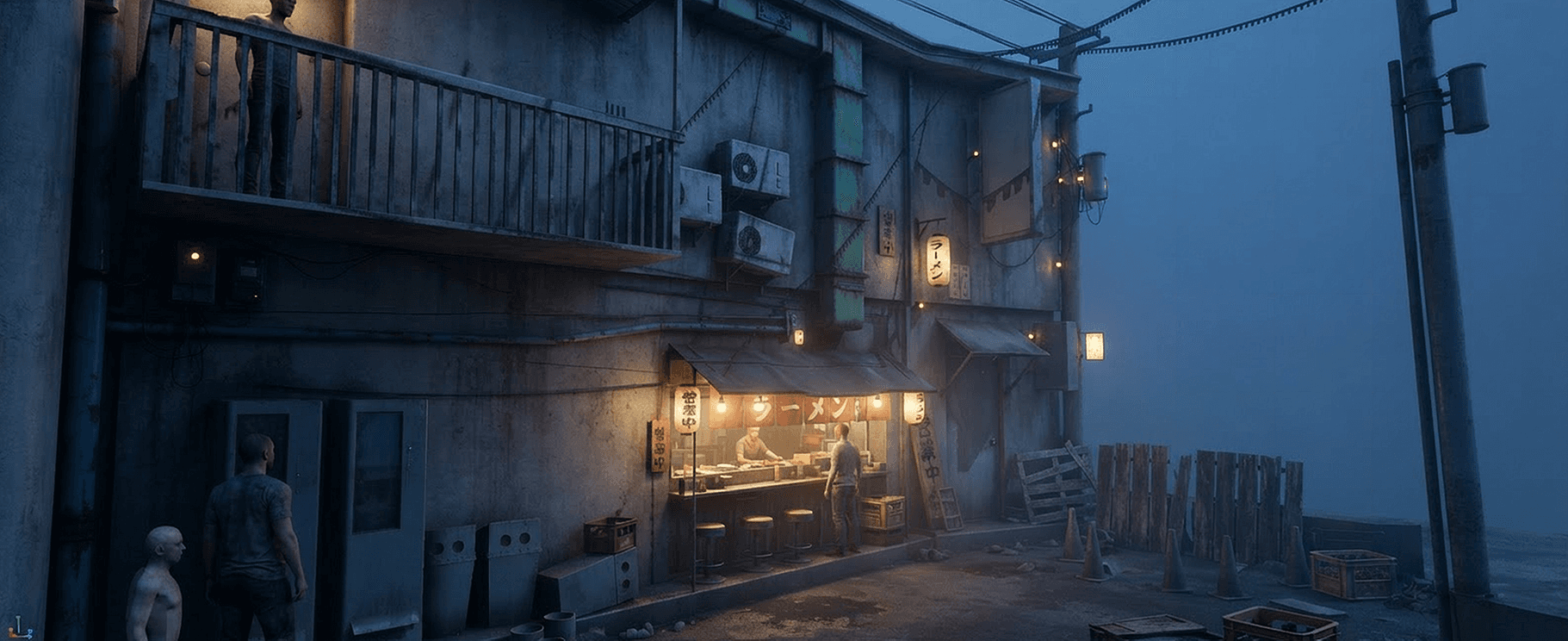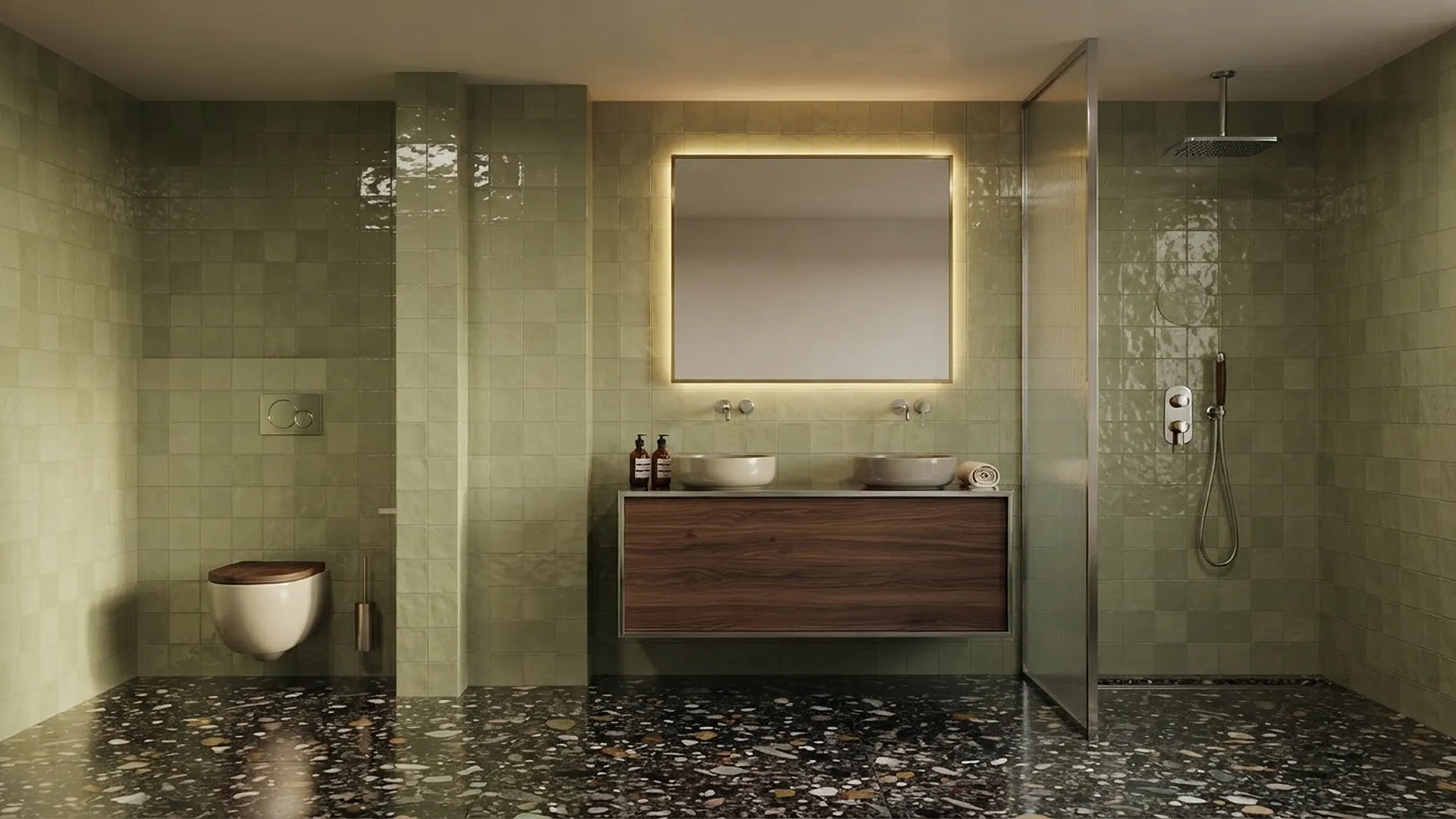
AI-finished architectural render created with TheCube ENGINE
The Cube / AI Render Engine

TheCubeENGINE

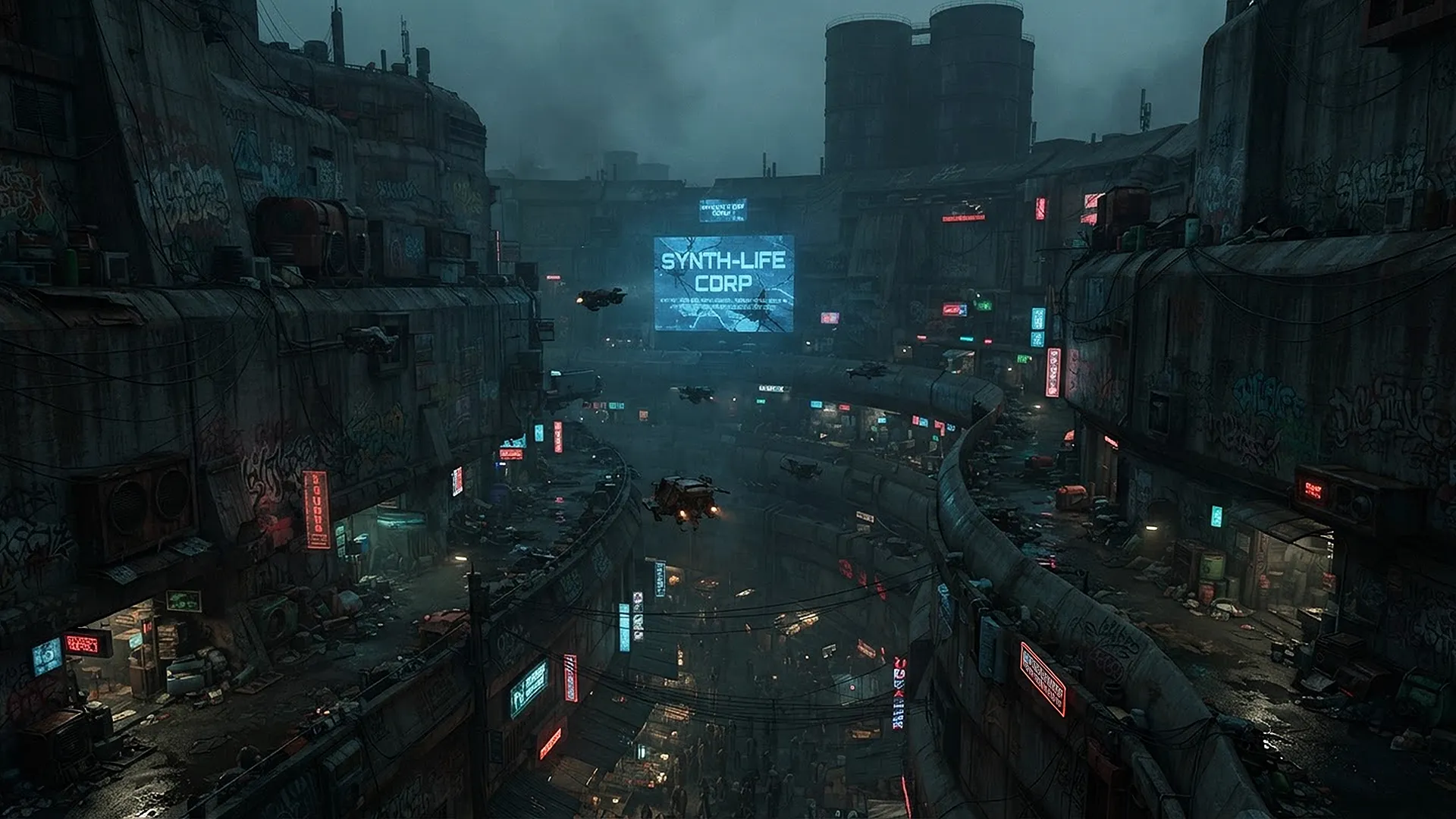
From primitive Blender shapes to production-ready images. You decide how much freedom the AI receives.

01 / Creative controlThree scene stages

One clear choice. Three levels.

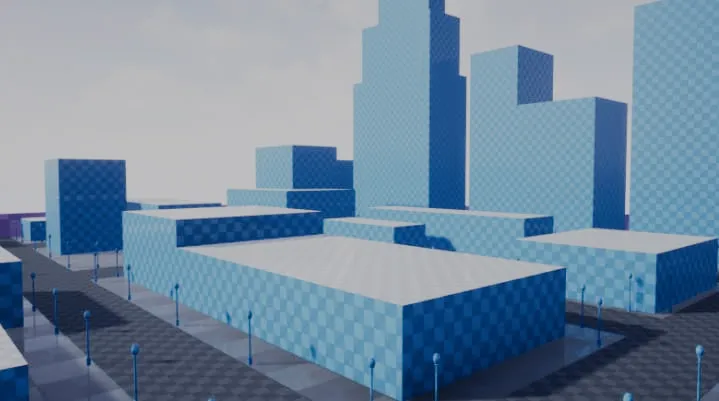
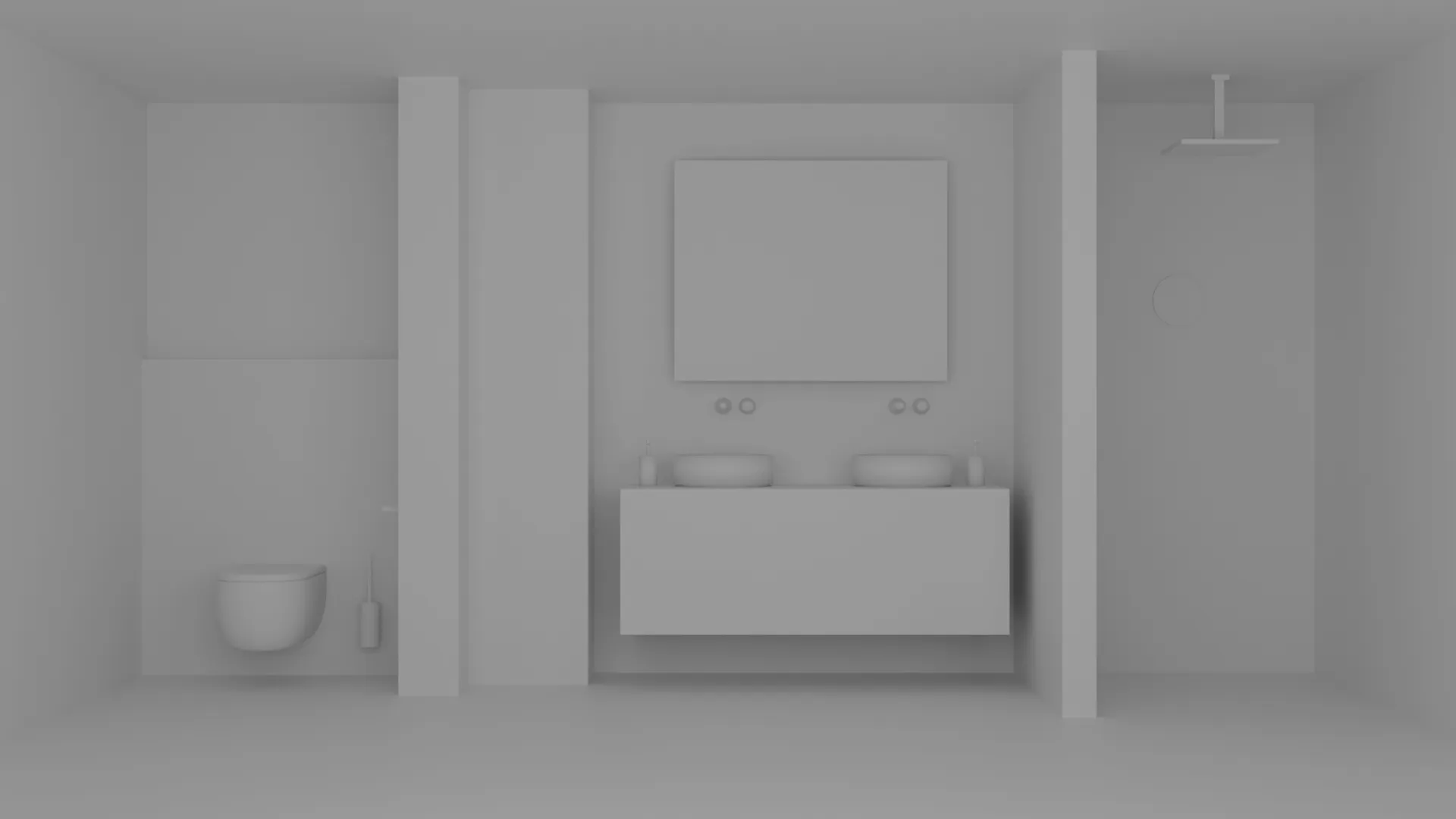
Maximum freedomBlockout

Primitive shapes define camera, position and scale. Prompt and style reference create the final scene.
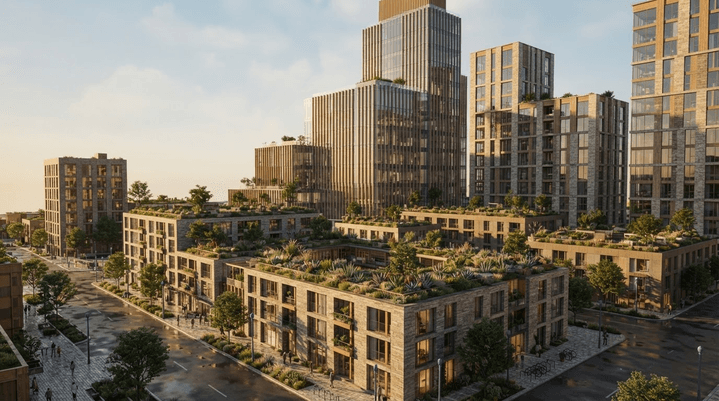
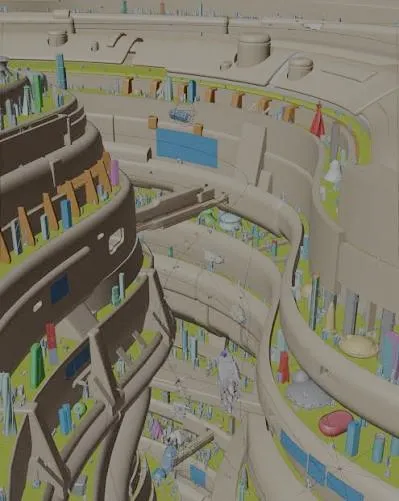
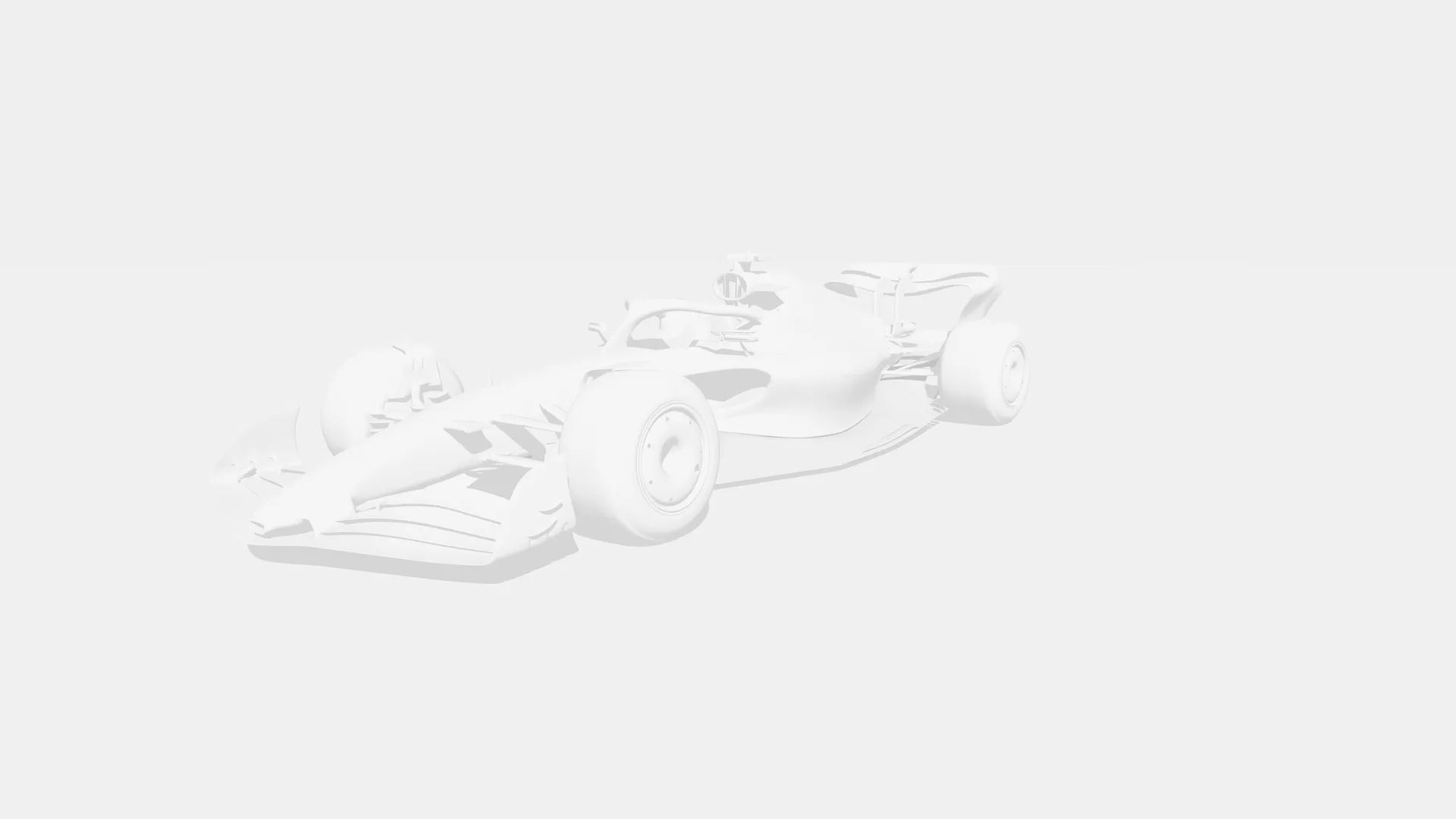
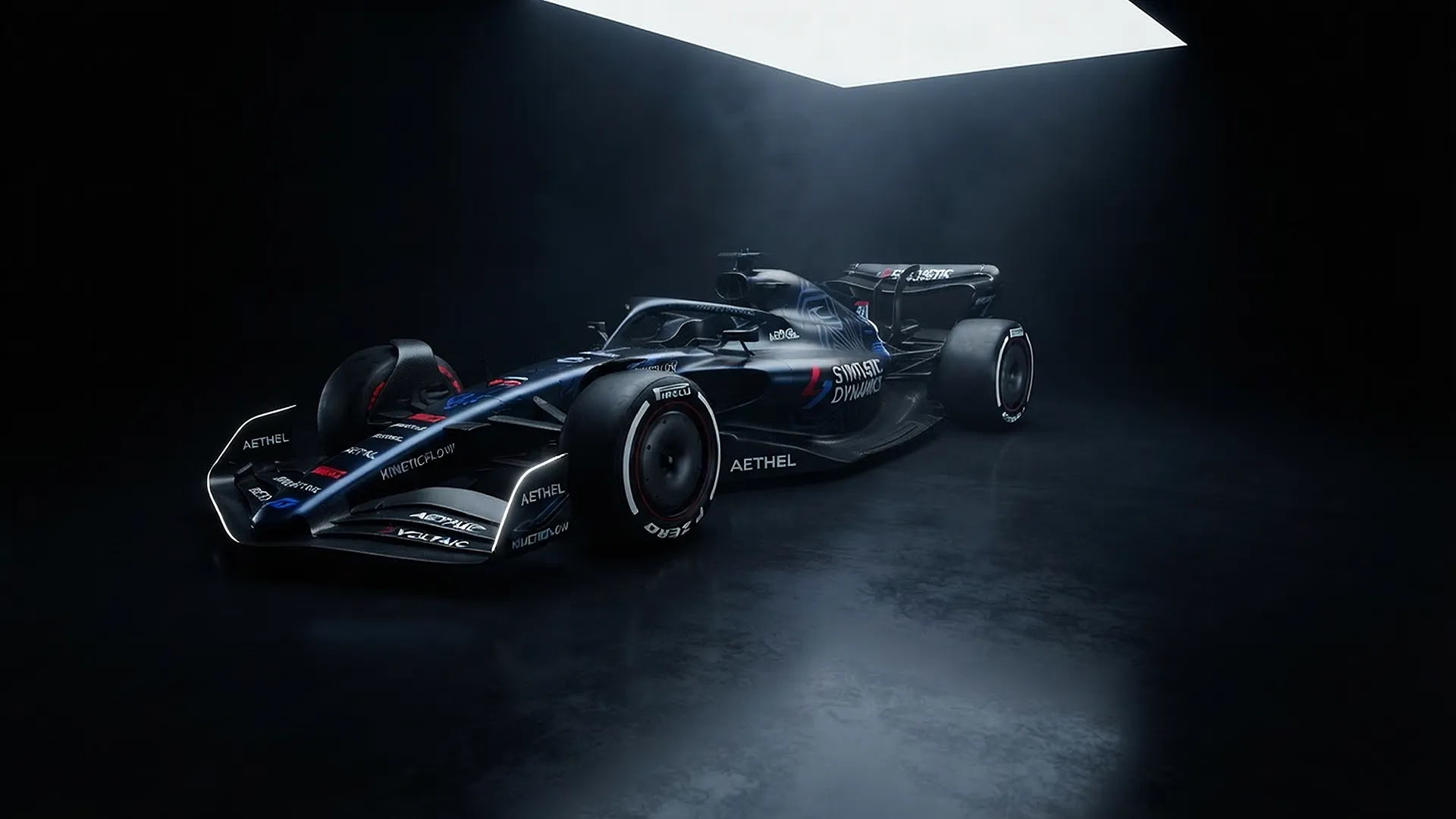
Controlled finishModelled

Geometry remains over 90% faithful while materials, atmosphere and lighting can evolve.

Final polishImprove

No redesign. Only color balance, highlight control, denoising, microcontrast and clarity.

02 / Blender to finalControlled production

Keep the scene. Change the finish.

01Choose the scene stage

Set how much of the source must remain fixed.

02Render or load

Use the viewport, Blender render or an external image.

03Receive the final image

Keep the requested dimensions and source aspect ratio.
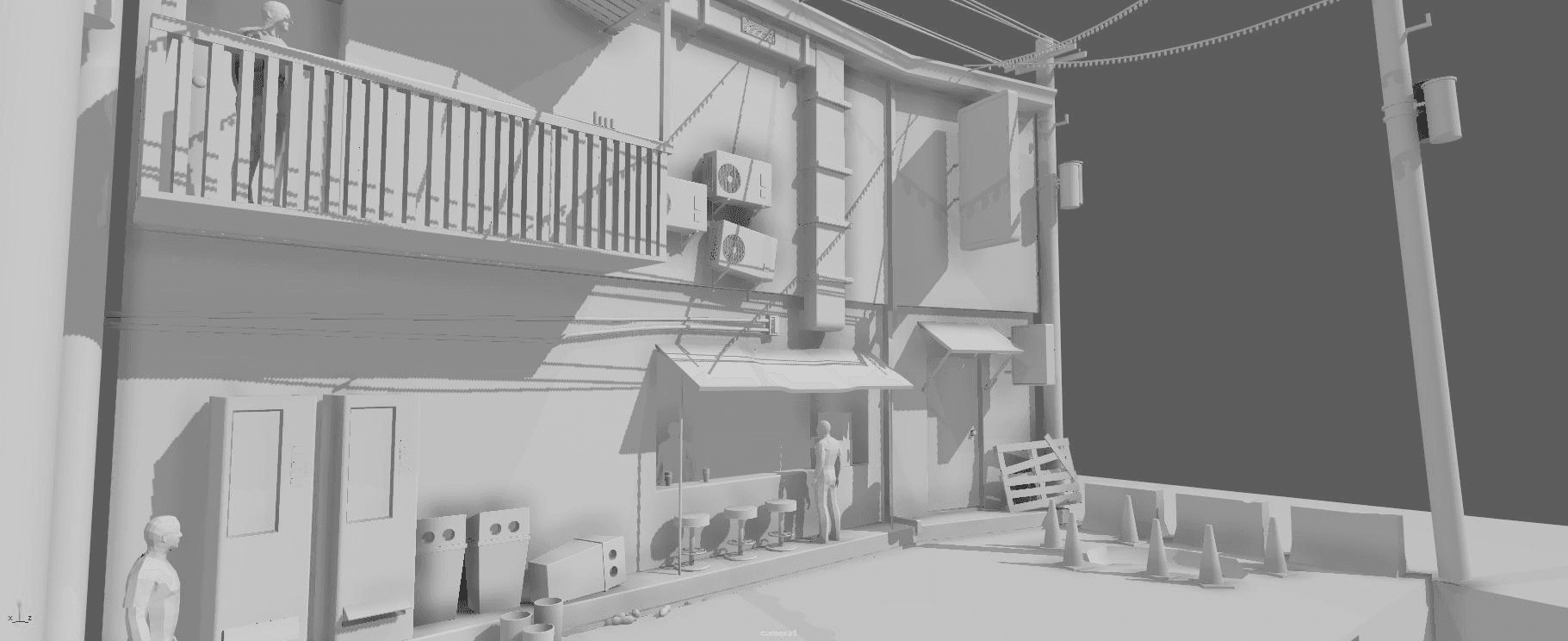
Modelled Blender scene before AI rendering
Enhanced AI output generated by TheCube ENGINE
Blender sourceEngine output
03 / Community presetsTop of the week

Proven prompts. Shared.

Explore before-and-after results published by TheCube ENGINE users, then unlock the prompt for your own workflow.

Explore prompt gallery
04 / SubscriptionCredits for production

Secure usage. Clear plans.

Indie$19/mo
  • Single user
  • Secure backend routing
  • Standard render queue
Select Indie
Most popular$49/mo
  • Priority queue
  • Custom style reference
  • Higher monthly usage
Select Studio
05 / Get TheCube ENGINESecure by design

Render more. Keep control of every call.

Start producing

Create an account, activate credits and connect Blender with the unique key from your dashboard.

Backend protected

Provider keys, model routing and proprietary rendering instructions stay server-side. Every job is authorized before provider spending.

View public addon on GitHub